textual-tetris, a Tetris in the terminal
Since I remain unemployed while prioritizing my search for mental health, I spend my nerdy time on two worthwhile tasks:
- Collaborating with organizations that need technological solutions but do not have the budget to compete in the market for my skills.
- The one relevant to this post: learning new things by implementing old ideas from the permanent
TO DOlist I keep here, the ones I almost never found time for.
This time I wanted to learn a bit about Textual (the elder sibling of rich), an excellent Python framework for building text-based users interfaces.
And while I was at it, I learned how to make a Tetris clone that is pretty decent to play, does not look that ugly, and currently sits at under 600 lines of Python code, comments included. It looks like this:
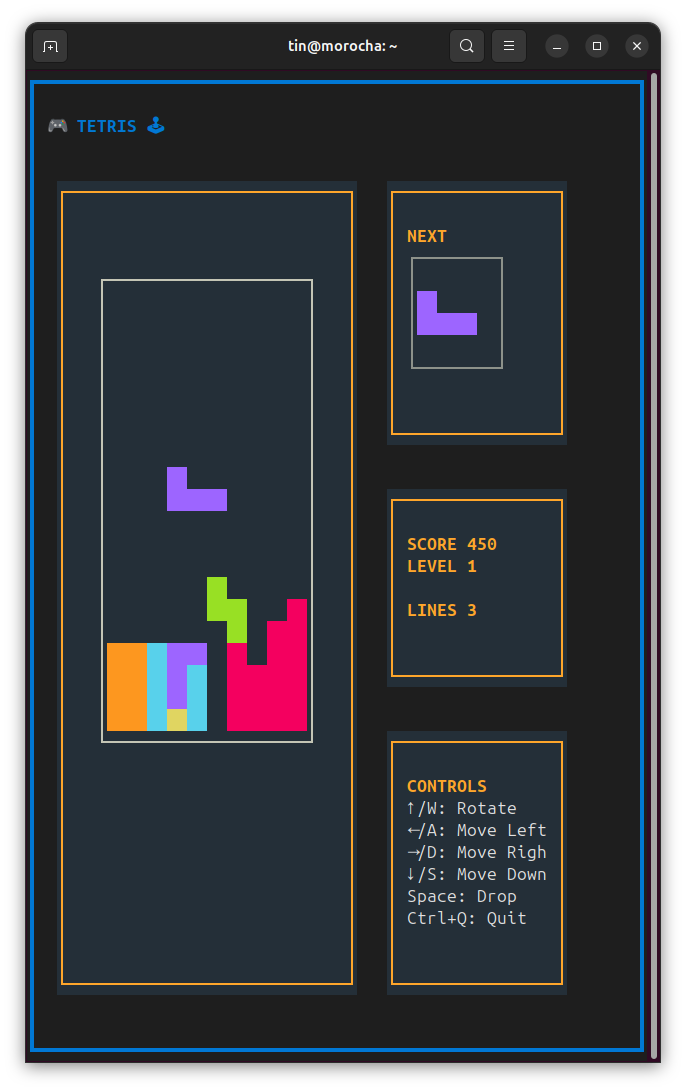
But a taste is worth more than a thousand screenshots: open a terminal and, if you have uv installed (you should!), run:
uvx textual-tetris
And you are already playing Tetris!